What is CRM Software?
CRM software (customer relationship management software) is a tool that's designed to help your organization offer your customers a unique and seamless experience, as well as build better relationships by providing a complete picture of all customer interactions, keeping track of your sales, organizing and prioritizing your opportunities, and facilitating collaboration between various teams.
In the following lines, you will know what is the origin of CRM - why need CRM - types and CRM benefits
SIGN UP FOR FREE
CRM - The Strategy
The idea of how businesses approach customer interactions and building relationships with them forms their CRM strategy. It involves collecting customer data and analyzing the history of customer interactions to provide better services and build better relationships with the customers to ultimately drive sales and revenue.
Why do you need a CRM strategy?
Without a proper CRM strategy, your customer information will be all over the place, and it'll be hard to keep track of all the touch points and interactions you've had with particular customers. This leads to a drawn out sales cycle, with a generic and sub-par customer experience.

Building great
customer relations
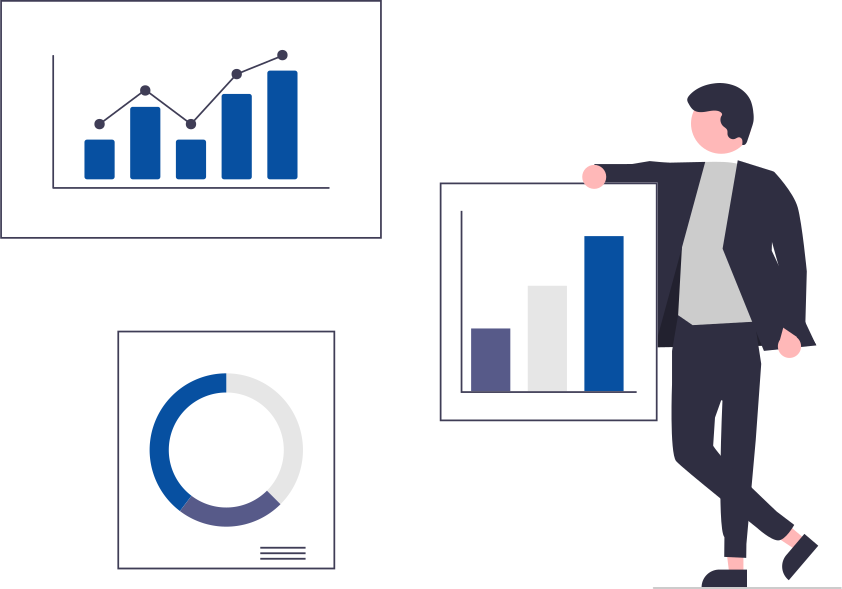
Great customer relationships are based on the consistent and personalized experience offered by your organization, regardless of where a customer is in your sales cycle. This means that every team in your organization, from Marketing to Sales to Support must offer a consistent experience when interacting with a customer.
When your business is starting off and you're managing all your customer information on spreadsheets, this may be viable, but not advisable. The amount of time spent on data entry could be better spent bringing in customers and closing deals. This becomes exponentially more complicated when you grow your business and expand your customer base. This is where CRM software comes into play.
CRM-The Software
The origin of modern CRM systems can be traced back to the late 80s and early 90s, that saw the development of Contact Management Systems (CMS), which then evolved into Sales Force Automation (SFA) technology. As the industry grew, vendors were pushed to provide a broader set of services to cover everything from marketing to presales and support.
A Customer relationship management software is designed to remove silos in customer information by gathering them in a central place, to provide a 360º view of all your customer data. Details like the customer's name, email, phone number, and communication preferences, as well as interaction and purchase history, can be made available to help your teams reach out to customers for the right reasons and through the right channels.
For every $1 invested in CRM, you get $8.71 in return. An ROI of greater than 750%!
Why your business needs a CRM Software
If you're finding it hard to manage sales, marketing, and customer relations, maybe it's time you upgraded to sophisticated, all-inclusive business software. If you're on the fence about adopting a Customer Relationship Management solution, look for these warning signs:
Lack of knowledge
If you have sales reps out in the field, it's impossible for them to keep everyone involved updated on the status of a deal, or send out documents like sales orders and invoices
Poor customer satisfaction
Scattered information makes it hard to find patterns and personalize your interactions with customers. This ends with all customers being treated the same—and runs the risk of driving them to your competitors for a better experience.
Lack of knowledge
This is a derivative of the first indicator. Due to the absence of a centralized location for your customer data, salespeople will find it impossible to keep track of every detail as your customer base grows.
Turnover costs time and money
When sales reps leave your company, they take with them the relationships they built with customers. Your company needs to invest time and money into training replacements and getting them up to speed on customer preferences.
Communication breakdown
A synergy is required between Marketing, who nurtures the lead, and Sales, who closes the deal. Often this lack of information flow hurts the performance of both teams, as neither is aware of what the other team is doing.
Lack of centralization
It's hard to make important decisions when your customer data is spread across your excel sheets, business cards, and notes taken during meetings with the customer. It takes too much time and effort to collate the data and make sense of it.
Taking your customer data and business processes to a new platform can be a daunting thought. Will the software be right for my business? How much will it cost me? Will I have to move to different software when my business grows? These are some of the questions that you'll probably ask yourself, so we've made it easy for you to choose the right CRM software for your business.
How to choose the right CRM software?
When choosing the CRM tool for your business, the first choice you'll be making is between on-premise or cloud CRM software. Before you make that choice, let's take a quick look at the pros and cons of both.
Cloud CRM
Cloud CRM software is built and maintained by the service provider, on their servers. The service is accessible over the internet through a browser, allowing you to deploy the service without any software installation on your organization's computers.
On-premise CRM
On-premise CRM usually involve setting up servers in your office and installing the software on all required devices on your local network. This puts the responsibility for upgrades, customization, and maintenance solely in the hands of your IT department.
| # | Cloud CRM | On-premise CRM |
|---|---|---|
| INFRASTRUCTURE | Requires no additional infrastructure other than a browser and a working internet connection. | Requires you to set up servers on your business premises. |
| ACCESSIBILITY | Your CRM data is accessible from anywhere and any device. CRM vendors provide a mobile app for accessibility while on the move. | Your data is hosted on local servers and can only be accessed by devices on your local network. Building mobile applications requires an extra expenditure of time and money. |
| TRIAL | Cloud CRM offer free trials, so you can test the product and see if it meets your needs. | No trial is available, as you need to have the infrastructure on premises to run the application in the first place. |
| COST | A pay-as-you-go plan, allows you to pay an upfront subscription fee for your total number of users on a monthly or annual basis. | A large upfront cost for server and software installation, as well a monthly licensing fee for the software. |
| CUSTOMIZATION | Depending on the vendors, customization options vary, but are often readily available and quick to deploy. | The deployment period is longer and more labor-intensive. |
| INTEGRATION | Easily integrate with other business applications and through APIs. | Depends on the vendor, but requires expert knowledge and additional costs. |
| SECURITY | Vendors are dedicated to providing robust security measures and access control to ensure the safety and integrity of your data. | Your organization will be responsible for the monitoring and protection of user data. You will have to dedicate a team, and considerable resources, to keeping your security and privacy measures up to date. |
On-premise CRMs were the go-to choice of organizations a decade ago, with 88% of buyers choosing on-premise CRM over cloud CRM software. But the tables have now turned, as 87% of businesses prefer a cloud CRM tool over an on-premise solution.
Cloud CRM software is the way to go if you want to have your data accessible at all times, as well as the flexibility to scale up or down with ease. It's also easier for small businesses to adopt a cloud CRM and be more productive without straining their budget.
Things to consider when implementing a CRM
There are some key factors to consider before committing to purchasing a customer management software for your business:
Usability
More often than not, the thing that stops businesses from adopting new technology is the fact that teams are uncomfortable with using it. So it's important to ensure that the CRM you use offers a clean interface, a great user experience, and is easy to pick up for everyone who'll be using it.
Scalability
If your business has an ambitious year-on-year growth target, the CRM must be able to grow with your teams and business by supporting additional modules and custom processes, and integrating with third party applications that you may be using.
Security
With concerns for data security at an all-time high, a cloud CRM with secure data centers and industry standard security practices allows you to continue doing business without having to worry about your customer data being compromised.
Customization
Every business is unique in their process and needs. An ideal CRM for your business would be one that can be easily customized to meet those requirements. A CRM that can be molded to reflect your business process by adding additional modules, creating custom processes, automating repetitive tasks with workflows, and more.
Mobility
We live in a time when mobile internet traffic has overshadowed desktop traffic. If you have a sales team in the field, it's important to ensure that they have access to customer data at all times. This allows them to be on the move, close deals more effectively, and keep everyone in the loop.
Migration
If you have all your data on excel sheets, or if you're using another CRM, it must be easy to get your data into the new CRM software and have your business up and running as soon as possible. This migration process must be quick and easy to execute for the CRM that you want to implement.
24%
of salespeople achieve their annual quota with mobile access to CRM data.
Benefits of CRM software
Boost sales
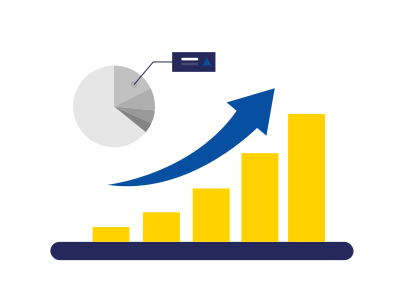
A CRM can help you identify, nurture, and follow up on quality leads. This means that you don't waste time and resources on a prospect that probably won't become a customer. Combined with a reduced sales cycle, you can guide more leads more efficiently and convert them to happy customers in a considerably shorter time.
Efficient business process
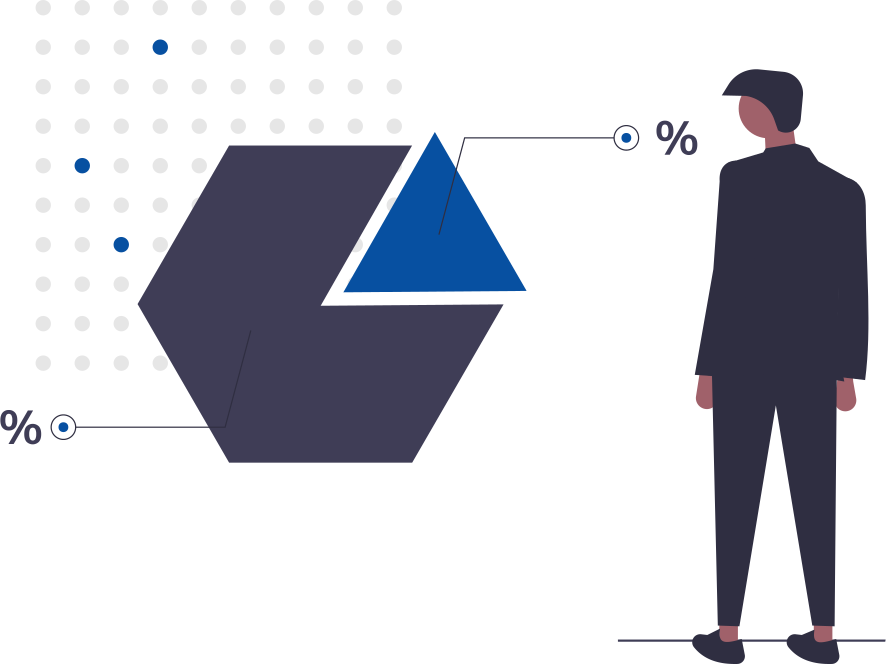
Help your team stay productive by defining and building efficient processes for your business. A CRM can help you ensure that standards are followed while processes are executed. Make sure your sales team's time is spent on closing deals and not wasted on mundane tasks by automating routine activities.

Tactical decision-making
Accurate data from across your organization helps keep your decision makers informed, so they can react to market trends with better decisions. Detailed reports will show how your teams are performing and where there's room for improvement.

Data security and compliance
You can rest assured that your customer data is safe in your vendor's data centers, safeguarded by top-of-the line physical and digital security mechanisms. If you're based in the European Union or do business with European customers, a CRM that offers GDPR-compliance features will be one of your greatest assets.
Mobile accessibility
A CRM with a mobile app ensures that your team has access to important CRM data, no matter where they are. A sales rep in the field can pull up information about nearby customers, drop by for a meeting, and easily update everyone else on any new information by logging it in the CRM through their mobile app.
Customer satisfaction
A CRM arms your team with all the historical data of a customer, as well information regarding similar issues faced by others. A centralized repository of information helps your team resolve customer inquiries quickly, ensuring they leave satisfied.
47% of polled CRM users said that CRM had a significant impact on customer retention and an equal amount of users stated that it had an impact on customer satisfaction as well.